
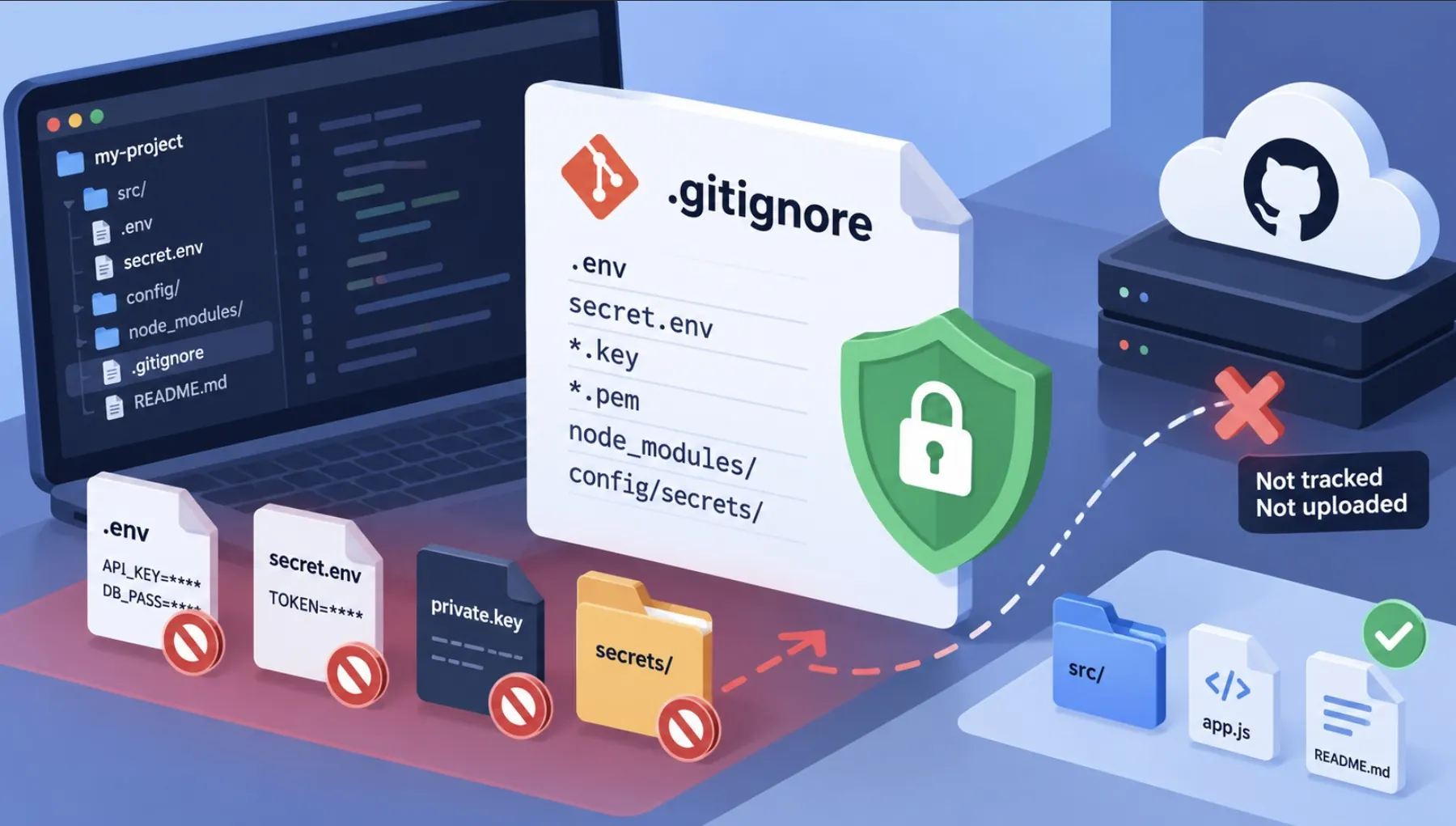
Every year, thousands of API keys, database passwords, and private tokens end up on public GitHub repos because of a missing or wrong `.gitignore`. The fix is simple, but only if your `.gitignore` is in place *before* the first commit — not after the secret is already in your git history.
Why “add it later” doesn’t work
Adding a file to `.gitignore` only stops it from being tracked going forward. If a `.env` file was already committed once, it’s permanently in your git history unless you rewrite history with tools like `git filter-repo` or the BFG Repo-Cleaner — and by then, if the repo was ever public, you should treat the secret as leaked and rotate it immediately.
A solid Node.js / JavaScript template
# Dependencies
node_modules/
.pnp/
.pnp.js

# Environment variables and secrets
.env
.env.local
.env.*.local
*.pem
*.key

# Build output
dist/
build/
.next/
out/

# Logs and caches
npm-debug.log*
.cache/
.turbo/

# Editor/OS
.DS_Store
.vscode/
.idea/
A solid PHP / WordPress template
# WordPress core (if managed separately from your custom code)
wp-admin/
wp-includes/
wp-*.php

# Config and secrets
wp-config.php
.env
*.log

# Uploads (usually excluded from version control)
wp-content/uploads/

# Dependencies
vendor/

# Editor/OS
.DS_Store
.idea/
A solid Python template
# Environments and secrets
.env
.venv/
venv/
*.env

# Byte-compiled files
__pycache__/
*.pyc

# Distribution / packaging
build/
dist/
*.egg-info/

# Editor/OS
.DS_Store
.vscode/
Rules that matter more than the template
- Commit `.gitignore` as the very first file in a new repo, before adding anything else.
- Never rely on `.gitignore` alone for secrets — use a secret scanner as a second layer.
- Always commit a `.env.example` with placeholder values so teammates know what variables exist without exposing real ones.
- If a secret does leak, rotating the credential is mandatory — removing it from git history is not enough, because forks and clones may already have it.
Add a pre-commit safety net
# Install gitleaks to scan for secrets before every commit
brew install gitleaks   # or download the binary for your OS

# Run manually
gitleaks detect --source . --verbose

# Or wire it into a pre-commit hook
echo 'gitleaks protect --staged --redact' > .git/hooks/pre-commit
chmod +x .git/hooks/pre-commit
Once your ignore rules and hooks are solid, tighten your daily git habits too — see git add/commit/push in one command for a faster workflow that still leaves room for review before pushing.
Quick FAQ
Does deleting a file remove it from git history?
No. Deleting and committing only removes it going forward. The file still exists in every earlier commit unless you rewrite history.
Is `.env.example` safe to commit?
Yes, as long as it only contains variable names and placeholder or dummy values, never real credentials.
What should I do if I already pushed a secret to GitHub?
Rotate the credential immediately, then remove it from history with `git filter-repo` or BFG, and force-push the cleaned history to all remotes.
Leave a Reply