
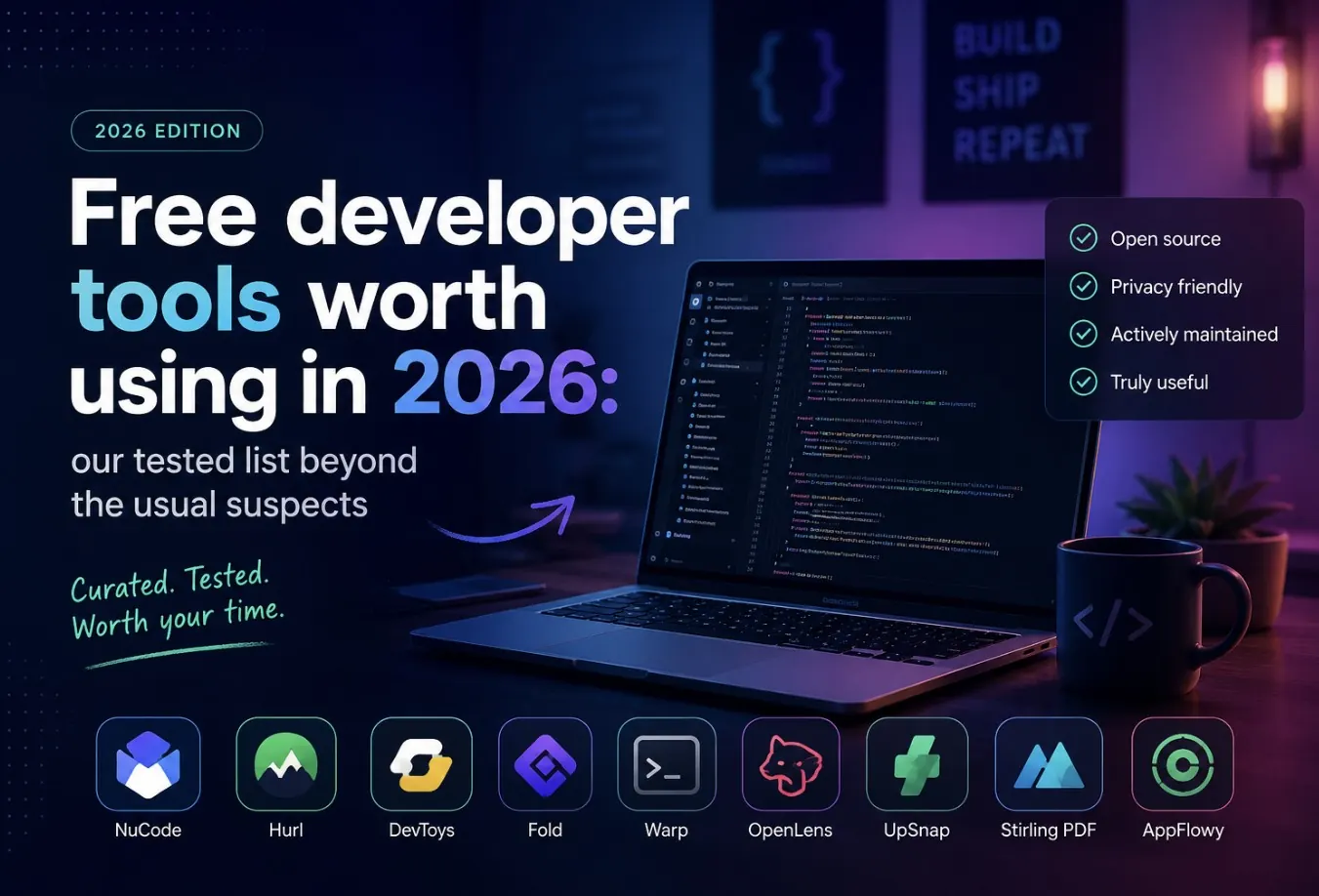
Most “best free tools” lists are recycled and outdated. This one is limited to tools that are still free (not a crippled trial) and still actively maintained in 2026, organized by the categories developers actually need: design, monitoring, testing, and docs.
Design and UI
- Figma (free tier): still the standard for UI design and dev handoff; the free tier covers most solo/small-team needs including inspect mode for CSS values.
- Excalidraw: hand-drawn-style diagrams for architecture sketches and quick explanations, fully free and open source, works great embedded in docs.
- Coolors: fast color palette generation with accessibility contrast checks built in.
Monitoring and observability
- Uptime Kuma: self-hosted uptime monitoring with a clean dashboard, notifications, and no per-monitor pricing since you run it yourself.
- Grafana + Prometheus (self-hosted): still the free, open-source combo for metrics dashboards once you outgrow a hosted platform’s free tier.
- Sentry (free tier): error tracking with enough monthly event volume for small projects before you need to pay.
Testing
- Playwright: free, fast, cross-browser end-to-end testing with excellent debugging tools (trace viewer, codegen) — no paid tier needed for the core tool.
- k6: open-source load testing with a scriptable JS-based API, good enough for most pre-launch performance checks.
- Postman (free tier) or Bruno (fully open source, no account required) for API testing without a subscription.
Documentation
- Docusaurus: free, open-source static site generator built specifically for documentation, with versioning and search out of the box.
- Swagger/OpenAPI + Redocly CLI: generate readable API docs directly from an OpenAPI spec, free and self-hostable.
- Excalidraw again, for architecture diagrams inside docs — worth a second mention because it’s genuinely used across categories.
Command line and productivity
# A few free CLI tools worth installing today

# ripgrep — much faster grep replacement
brew install ripgrep

# fzf — fuzzy finder for files, history, anything piped to it
brew install fzf

# httpie — friendlier curl for testing APIs
brew install httpie

# bat — cat with syntax highlighting and line numbers
brew install bat
AI-assisted coding, free tiers worth trying
- Most major AI coding assistants offer a usable free tier — enough to evaluate fit before committing to a paid plan.
- Compare what’s actually included (requests per day, context size, agent mode access) before assuming “free” means “full-featured.”
How to pick tools that stay free
- Prefer open-source, self-hostable tools when the category has one — they can’t be paywalled later.
- Check the free tier’s actual limits (events/month, requests/day) rather than trusting the marketing page.
- Avoid building critical workflows around a free tier from a VC-funded startup with no clear business model — those tend to get cut first.
For a broader look at what to prioritize when you’re still building your toolkit and skills, see the self-taught developer roadmap: what to learn first.
Quick FAQ
Are self-hosted tools really “free” once you count server costs?
Mostly yes for small projects — a small VPS can run Uptime Kuma, Grafana, and several other tools together for a few dollars a month, far less than most paid SaaS equivalents.
Which of these tools is worth setting up first?
Playwright and Sentry give the fastest return: automated testing and real error visibility catch problems before users report them.
Do free tiers change often?
Yes, so re-check limits periodically — free tiers get adjusted more often than paid plans, especially for AI-related tools.
Leave a Reply