
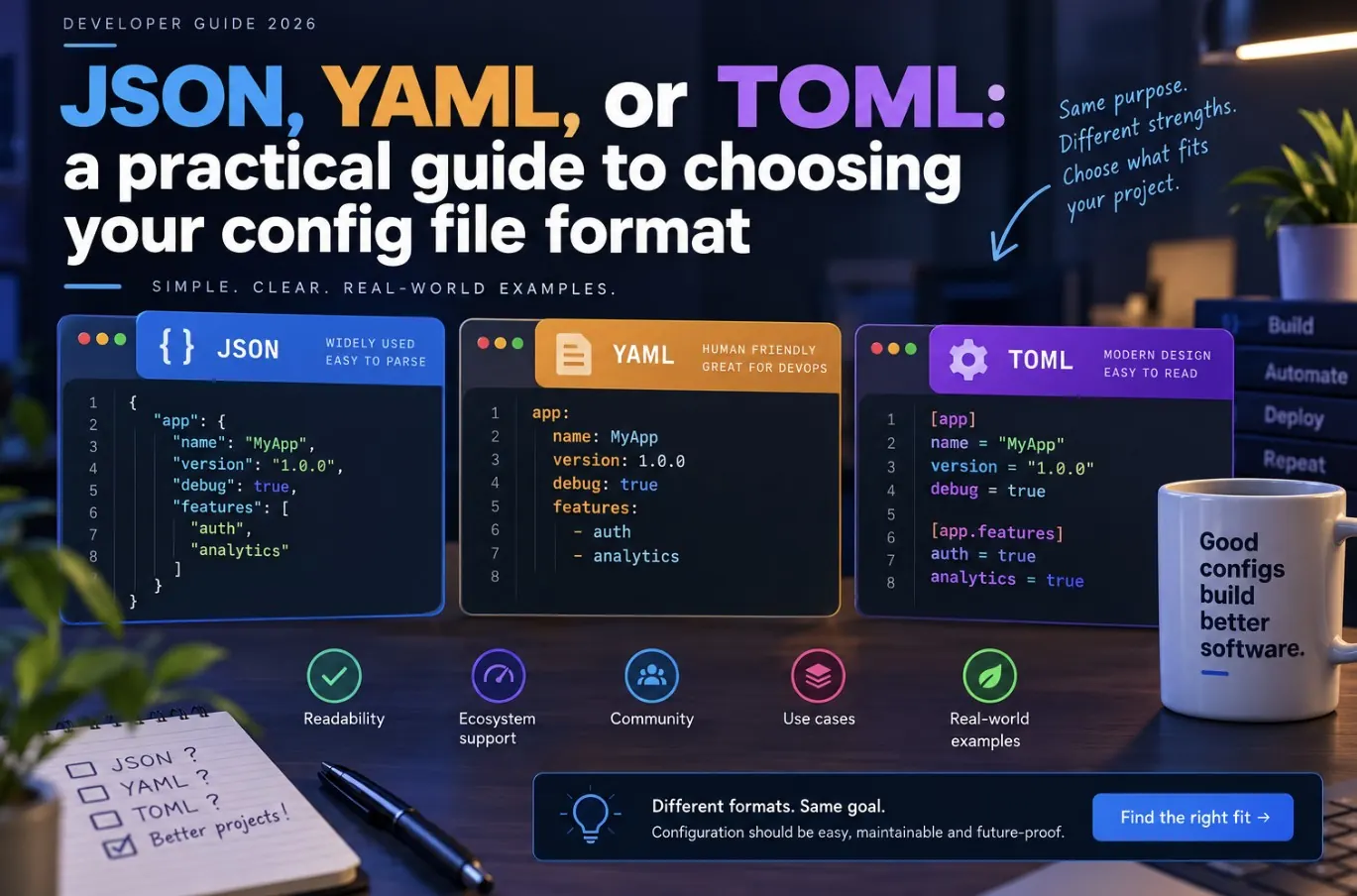
JSON, YAML, and TOML all solve the same problem — storing structured config — but they trade off readability, strictness, and tooling support differently. Picking the wrong one for a given use case usually shows up later as either merge-conflict pain or a silent misconfiguration.
The core trade-offs
- JSON: universal parser support, zero ambiguity, but no comments and verbose for deeply nested data.
- YAML: human-friendly, supports comments and anchors/references, but whitespace-sensitive and famous for subtle bugs (the Norway problem: unquoted `no` becomes boolean `false`).
- TOML: explicit and unambiguous like JSON, but reads more naturally like an INI file, with native support for comments and clear typing.
Side-by-side: the same config in three formats
{
  "server": {
    "host": "0.0.0.0",
    "port": 3000
  },
  "database": {
    "url": "postgres://localhost/app",
    "poolSize": 10
  },
  "features": ["auth", "billing"]
}
# YAML — supports comments, more compact
server:
  host: 0.0.0.0
  port: 3000
database:
  url: postgres://localhost/app
  poolSize: 10
features:
  - auth
  - billing
# TOML — explicit sections, no indentation ambiguity
[server]
host = "0.0.0.0"
port = 3000

[database]
url = "postgres://localhost/app"
poolSize = 10

features = ["auth", "billing"]
When to use which
- JSON: APIs, data interchange, anything machine-generated or machine-consumed (package.json, API payloads, lockfiles).
- YAML: CI/CD pipelines (GitHub Actions, GitLab CI), Kubernetes manifests, Docker Compose — ecosystems that already standardized on it.
- TOML: application and tool config meant to be hand-edited by humans (Cargo.toml, pyproject.toml, config files you want diff-friendly and typo-resistant).
The bugs each format is known for
- YAML: unquoted values silently becoming the wrong type — `version: 1.10` parses as the number `1.1`, `country: NO` can parse as boolean `false` in older YAML 1.1 parsers.
- JSON: trailing commas break the entire file, and there’s no way to add an inline comment to explain a value.
- TOML: nested arrays of tables (`[[section]]`) trip up developers coming from JSON/YAML backgrounds until they learn the syntax.
Converting between formats
# Node.js — JSON to YAML with the js-yaml package
npm install js-yaml
node -e "
const fs = require('fs');
const yaml = require('js-yaml');
const data = JSON.parse(fs.readFileSync('config.json', 'utf8'));
fs.writeFileSync('config.yaml', yaml.dump(data));
"

# Python — quick JSON to YAML
python3 -c "
import json, yaml
data = json.load(open('config.json'))
yaml.dump(data, open('config.yaml', 'w'), sort_keys=False)
"
A quick decision rule
If a human will edit it by hand and readability matters most, pick YAML or TOML. If a machine generates or consumes it and strict parsing matters most, pick JSON. If you specifically want both human-editable and hard-to-misconfigure, TOML is usually the safest middle ground.
If you’re setting environment-specific config alongside these files, see deploy a Node.js app with Nginx and PM2 for how config and env vars come together in a real deployment.
Quick FAQ
Why do so many DevOps tools use YAML despite its quirks?
Early adoption by Kubernetes, Docker Compose, and CI platforms locked it in as the ecosystem standard, and its readability for nested structures outweighs the edge-case risks for most teams.
Can I mix formats in one project?
Yes, and it’s common — package.json stays JSON, CI config stays YAML, and app config can be TOML. Consistency within each tool’s ecosystem matters more than a single format across the whole repo.
Does TOML support comments like YAML?
Yes, TOML supports `#` comments natively, which is one of its main advantages over plain JSON.
Leave a Reply