
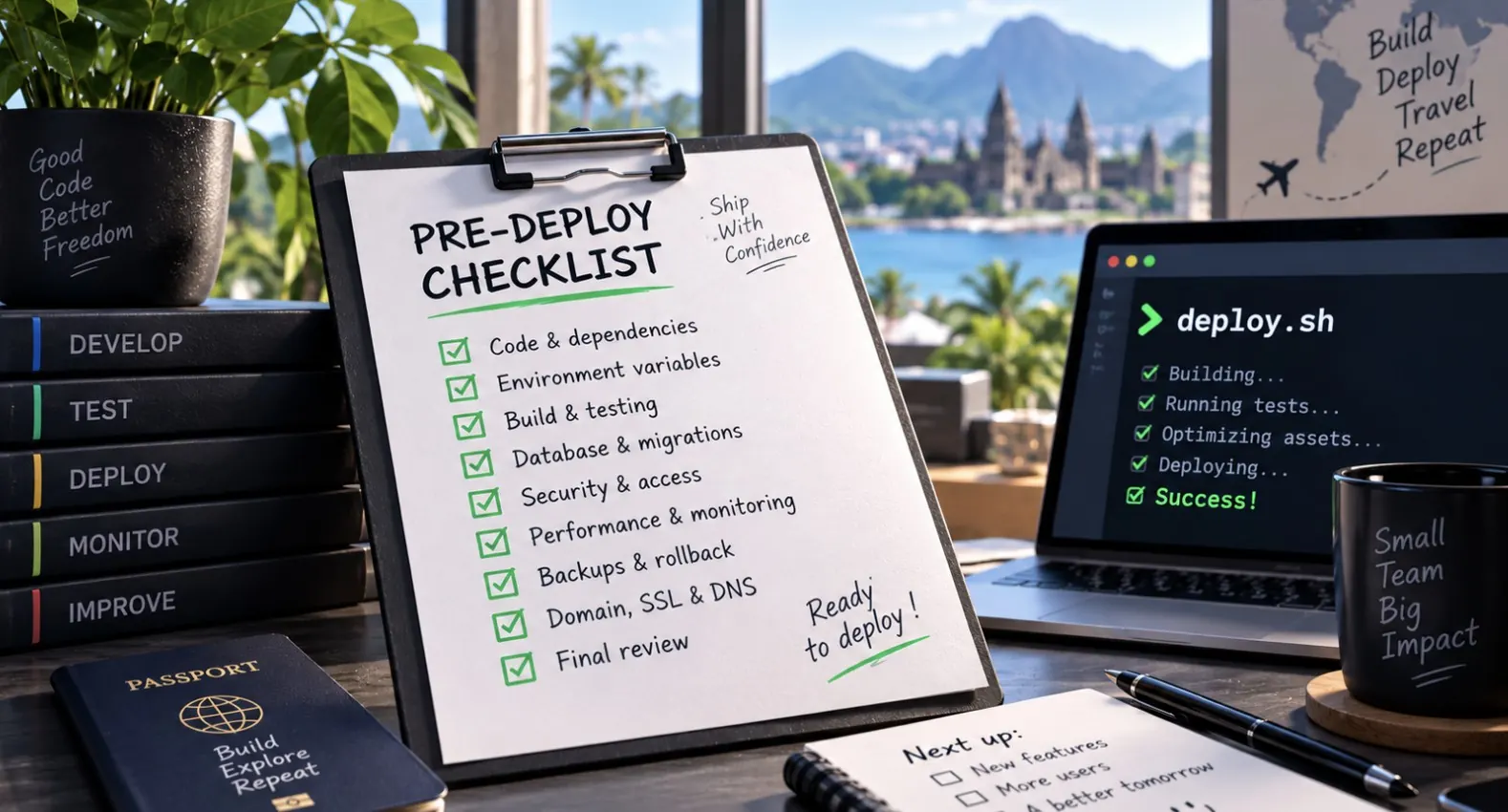
Most production incidents on small projects aren’t caused by exotic bugs — they’re caused by skipping a step someone was “pretty sure” was fine. A checklist doesn’t make you a better developer, but it does stop the same five mistakes from taking down your app at 11pm. Run through this before every deploy, not just the big ones.
Code
- All tests pass locally and in CI, not just “the ones I remembered to run.”
- No leftover
console.log,var_dump, or debug routes left enabled. - Dependencies are pinned or lockfiles committed (
package-lock.json,composer.lock) so the deploy installs exactly what you tested. - Database migrations are written to be backward compatible if you’re doing zero-downtime deploys.
- Feature flags exist for anything risky, so you can disable it without a redeploy.
Security
- No secrets, API keys, or credentials committed to the repo — check with a quick
grep -r "API_KEY\|SECRET" --include="*.env*" .before pushing. .envand other config files with secrets are in.gitignoreand excluded from the deploy artifact if it’s built from the repo.- Dependencies scanned for known vulnerabilities (
npm audit,composer audit). - Admin panels, debug endpoints, and default credentials are disabled or protected in production.
- HTTPS is enforced and certificates are valid for more than a few days.
Infrastructure
- Server has enough disk space and memory headroom for the new build — check with
df -handfree -mbefore deploying. - Environment variables on the server match what the new code expects (new variables added, obsolete ones removed).
- Process manager (PM2, systemd) is configured to restart the app automatically on crash or reboot.
- Reverse proxy config (Nginx) has been tested with
nginx -tif you touched it.
# quick sanity checks before deploying
df -h
free -m
nginx -t
pm2 list
Monitoring
- Error tracking (Sentry or equivalent) is wired up and actually receiving events from the new build.
- Uptime monitoring pings the right endpoint, not just the homepage.
- Logs are being written somewhere you can actually reach after deploy, not just to stdout on a container that gets recycled.
- You know where to look first if something breaks — bookmark the dashboard before you need it under pressure.
Rollback plan
- You know the exact command or button to revert to the previous version, and you’ve tested it at least once, not just assumed it works.
- Database migrations have a documented down path, or you’ve decided in advance they’re not reversible and planned around that.
- You’ve decided who gets notified if the rollback itself doesn’t fix things.
# typical git-based rollback
git log --oneline -5
git checkout <previous-good-commit>
pm2 restart app
Putting it together
Paste this list into your deploy script’s comments or a pinned issue template so it’s not something you have to remember from scratch every time. If you’re deploying a Node app behind Nginx and PM2, or a PHP app on a fresh Ubuntu box, the setup details matter as much as the checklist — see Deploy a Node.js app with Nginx and PM2 and Deploy a PHP app on Ubuntu step by step for the full setup.
Quick FAQ
Do I need all of this for a tiny side project?
Trim it, but keep the rollback plan and secrets check no matter how small the project is — those are the two that cause real damage.
How often should this checklist change?
Review it after every incident. Add the thing that bit you; that’s how a generic checklist becomes yours.
Should this be automated instead of manual?
Where you can, yes — turn checks into CI steps. A manual checklist is a starting point, not the end state.
Leave a Reply