
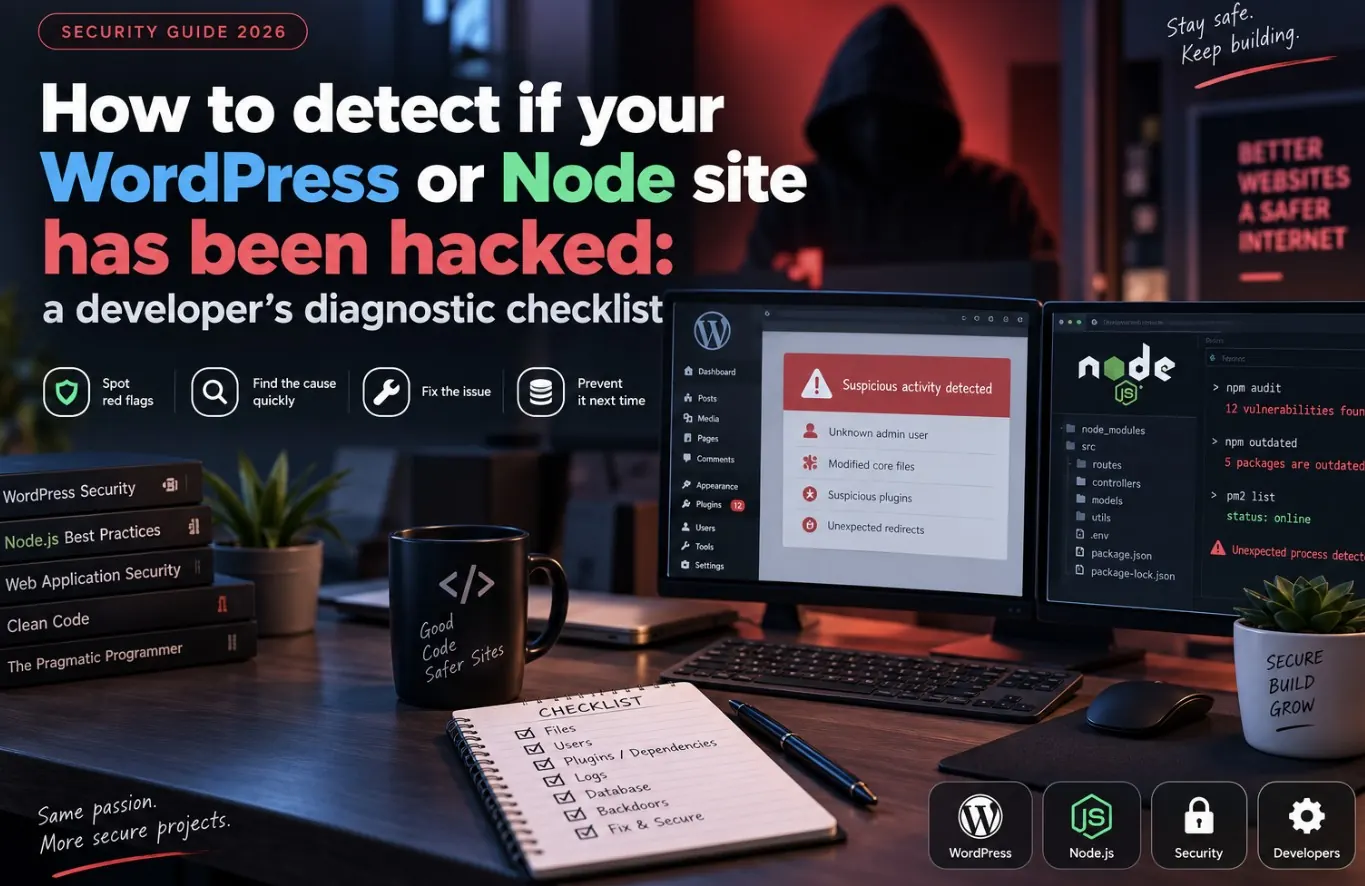
“Is my site hacked or is this just a weird bug” is a question you want answered in minutes, not days. After going through a real security incident, the pattern that mattered most wasn’t a fancy tool — it was a short, repeatable checklist run in order: files, processes, network, then logs. Here’s that checklist.
Step 1: check for recently modified files
Malware almost always touches the filesystem. Start by finding anything changed recently that you didn’t touch yourself:
# files modified in the last 2 days
find /var/www -type f -mtime -2 -ls

# PHP files with suspicious modification times outside a deploy window
find /var/www -name "*.php" -mtime -7 -ls
Cross-reference the list against your own deploy history. Anything you can’t explain is a lead.
Step 2: grep for common malicious patterns
Injected WordPress and PHP malware tends to reuse the same handful of functions, obfuscation tricks, and file names:
grep -rl "eval(base64_decode" /var/www
grep -rl "gzinflate\|str_rot13\|assert(\$_" /var/www
grep -rli "shell_exec\|passthru\|system(" /var/www/wp-content/uploads

# suspicious file names hiding in upload directories (should never contain PHP)
find /var/www/wp-content/uploads -name "*.php"
A legitimate uploads folder should never contain executable PHP files. If it does, that’s close to a smoking gun on its own.
Step 3: look for unfamiliar admin users and plugins
- In WordPress, check Users for any account you didn’t create, especially ones with Administrator role.
- Check Plugins for anything installed that nobody on the team remembers adding.
- Compare
wp-content/pluginsagainst the plugin list in the admin UI — a plugin folder with no matching entry in the dashboard is a red flag.
Step 4: check running processes and network connections
# look for unfamiliar or resource-heavy processes
ps aux --sort=-%cpu | head -20

# check for unexpected listening ports or outbound connections
ss -tulnp
# or, if ss isn't available
netstat -tulnp
Cryptominers and spam relays show up here: a process you don’t recognize consuming steady CPU, or outbound connections to unfamiliar IPs on unusual ports.
Step 5: check file and directory permissions
# world-writable files are a common entry point and persistence mechanism
find /var/www -type f -perm -0002 -ls
find /var/www -type d -perm -0002 -ls
WordPress files should generally not be group- or world-writable. If you find files with 777 permissions you didn’t set, assume they were changed by whatever compromised the site, not by accident.
Step 6: check for a scheduled persistence mechanism
# cron jobs running as the web server user
crontab -u www-data -l

# check for unfamiliar entries in the system-wide crontab
cat /etc/crontab
ls /etc/cron.d/
A hidden cron job that re-downloads a payload is how attackers survive a cleanup that only deletes files.
If you confirm a compromise
- Take the site offline or put it behind maintenance mode immediately.
- Rotate every credential: database, hosting panel, FTP/SSH, API keys, WordPress admin passwords.
- Restore from a known-clean backup rather than trying to manually delete every infected file — hidden persistence is easy to miss.
- Patch the entry point (usually an outdated plugin, theme, or exposed admin panel) before bringing the site back online.
For a deeper look at how these compromises typically start and spread, see OpenClaw security risks developers should know.
Quick FAQ
My site is slow, is that a sign of hacking?
It can be — cryptominers and spam scripts consume CPU and bandwidth. Check ps aux and ss -tulnp before assuming it’s just traffic.
Can I trust a security plugin’s scan alone?
Use it as one signal, not the whole picture. Plugin scanners miss server-level persistence like cron jobs or SSH key backdoors.
How often should I run this checklist proactively?
Monthly at minimum, and immediately after any unexplained behavior — slowness, unexpected emails sent, or search engines flagging the site.
Leave a Reply